GIF Compressor
Less space. The same moment.
Verify no image uploads in Developer Tools → Network. How to check.
Loading the tool…
A few things to know
- Animation speed, looping and transparent backgrounds are kept.
- Some GIFs are already small. Compression may leave the size unchanged.
- Fewer frames means less smooth motion. This is always your choice.
Technical details
One file at a time. No fixed file-size, pixel-count, frame-count or processing-time limit is imposed by this app. Processing continues until complete or cancelled, subject to the memory and capabilities available to your browser. Every input frame is still decoded and composited when sampling. With all frames kept, lossless optimization may retain the original if it is smaller. Sampling reduces smoothness, may increase file size and does not guarantee the target size. Color quality checks do not measure motion smoothness. A composed frame with more than 256 colors or a combined delay over 65535 centiseconds cannot be sampled while preserving exact colors and timing. Orientation correction is automatic and independent of Preserve metadata. Pixels are rotated or mirrored first, and direction tags are removed. Optional metadata is removed by default, even when the original image data is retained. Enable Preserve metadata to retain source extensions; ICC color profiles are always retained. With sampling, skipped-frame metadata is attached to the corresponding kept frame. Corrupt GIFs and plain-text rendering are rejected.
A measured example
Less space for the same animation.
Original ImageTools illustration · 320 × 200 · 30 frames · 2.4 seconds
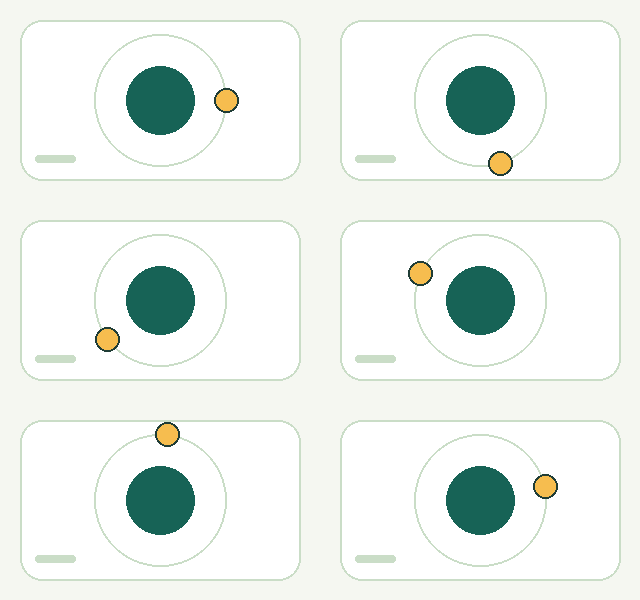
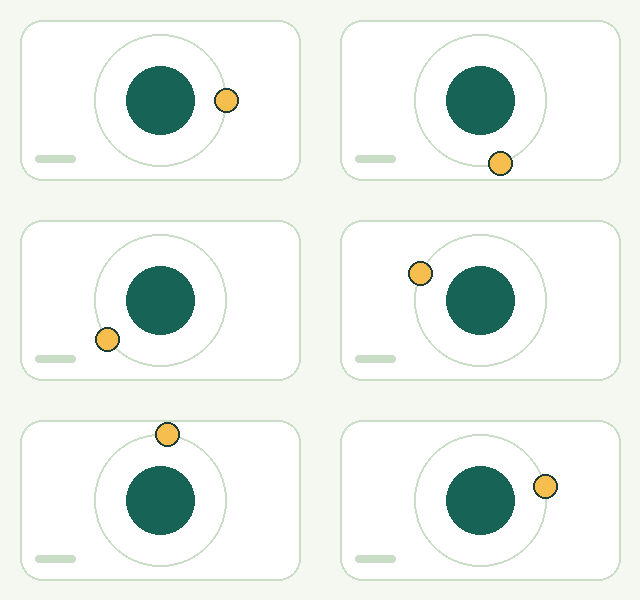
9.3 KB → 6.1 KB 34% smaller
Original quality · every frame. Pixel colors, transparency and playback timing are unchanged. These sizes describe this example, not a typical result.
Try these files and check the settings
Compare both animations above; they may not start playing at exactly the same time.
Download the original GIF · Download the Compressed GIF · Exact sizes & settings · Artwork license
Common questions
Can I make a GIF smaller without changing its picture?
Start with “Keep original quality”. It keeps pixel colors, transparency and every frame. Some GIFs are already well compressed, so a smaller file is not guaranteed.
What happens if my GIF does not fit the size target?
You still get the smallest successful result we found, with a notice that the target was not reached. You can allow small color changes, choose fewer frames, or try animated WebP.
Will fewer frames make my GIF play faster?
No. The time from skipped frames is added to the frames that remain, keeping the total playback duration. Motion may look less smooth.
Are my files uploaded, and is there a size limit?
Your GIF is processed on your device. There is no app-imposed file-size limit, but available browser memory still matters. Large animations show a notice, and you can cancel processing. Read the privacy details.