GIF to WebP
A new format. The same animation.
Verify no image uploads in Developer Tools → Network. How to check.
Loading the tool…
A few things to know
- Animation and transparent backgrounds are kept.
- A WebP can be larger than your GIF. Try “Smaller file” if needed.
- Keep your GIF for apps or upload forms that don’t accept animated WebP.
Technical details
“Keep original quality” uses lossless encoding: pixel colors and transparency stay unchanged. Identical consecutive frames are combined, and their adjusted display times are added together. Merging does not change the animation’s pace. GIF delays of 0 or 10 milliseconds become 100 milliseconds, following gif2webp. If every picture is identical, the result is a still image.
There’s no app-imposed file-size limit. Available device memory and browser resources still apply. A soft notice appears for files of at least 50 MB, images of at least 16 million pixels, or animations with at least 500 frames once their frame count is known. These are reminders, not limits or a guarantee that smaller files will work. You can cancel at any time. WebP supports up to 16,383 pixels on each side. If the original loop count cannot be kept, we automatically use “Loop forever”. The result highlights the change; you can choose “Play once” in Advanced options.
Extra file information is removed by default. ICC color profiles are always preserved. Rotation and mirroring are applied before direction tags are removed. Preserved XMP uses the standard WebP field; other GIF extensions use a custom chunk that some editors may not read. Multiple ICC profiles or preserved XMP packets cannot be represented unambiguously.
Size targets use 1 KB = 1,024 bytes and 1 MB = 1,024 KB. Changing the unit keeps the same target size. Quality search may not find the best possible result. Source & licenses
A measured example
A new format is not always smaller.
Original ImageTools illustration · 320 × 200 · 30 frames · 2.4 seconds
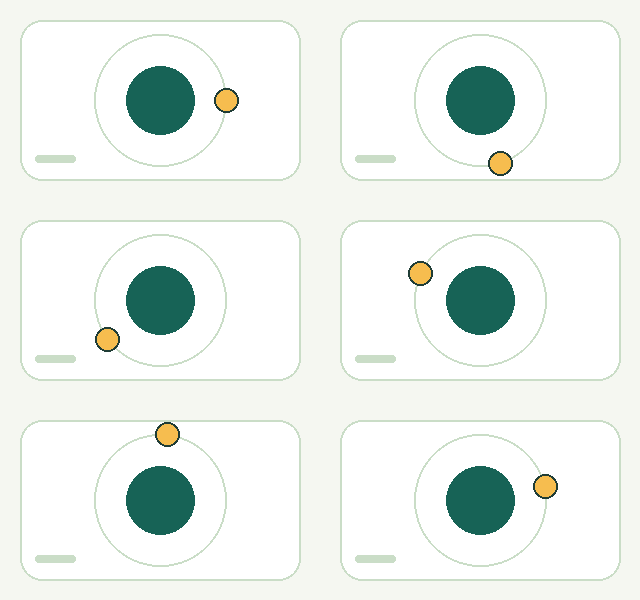

9.3 KB → 65.3 KB 601% larger
Adjustable quality · 80. This output uses lossy compression. For this simple illustration, GIF is smaller; another format may work better for a different image. These sizes describe this example, not a typical result.
Try these files and check the settings
Compare both animations above; they may not start playing at exactly the same time.
Download the original GIF · Download the WebP · Exact sizes & settings · Artwork license
Common questions
Is GIF to WebP conversion lossless?
Choose “Keep original quality” for identical visible pixel colors and transparency. “Recommended” and “Smaller file” use lossy compression; quality 100 in adjustable mode is still lossy.
Will my WebP keep its animation?
Animation and transparency are kept. Identical consecutive pictures may be combined and their display times added together. Very short GIF delays are adjusted for playback, and an unrepresentable loop count becomes “Loop forever” with a notice in the result.
What if the WebP is larger than my GIF?
Changing format does not guarantee a smaller file. Try “Smaller file”, a size target, or animated AVIF. A size target never reduces quality in lossless mode. If a lossy target cannot be reached, you still get the smallest successful result we found.
Can I use animated WebP in every app?
Support varies by app, version and upload feature. A viewer that opens still WebP may not play animation. Check the compatibility notes above and try a small file in your destination app.
Can I preview the result without downloading?
Yes. After conversion, the original GIF and the WebP appear side by side, with their file sizes. Your file is processed in your browser. Read the privacy details.