GIF to Animated AVIF
A smaller animation. A little more time.
Verify no image uploads in Developer Tools → Network. How to check.
Loading the tool…
A few things to know
- Animation and transparent backgrounds are kept.
- AVIF can take longer to create. You’ll see progress and can cancel.
- Some apps can’t play animated AVIF. Keep the original GIF.
Technical details
Lossless or lossy encoding with inter-frame prediction. Transparency is always lossless. No resizing or frame sampling. Consecutive identical composed images are merged and their adjusted durations are added, keeping the animation pace unchanged. Frame delays of 0 or 10 ms become 100 ms; other delays and original looping are preserved. Single-image GIFs and animations whose images are all identical produce static AVIF. Target-size search tries up to five quality settings within your range and may not reach the target. No fixed file-size, pixel-count, frame-count or processing-time limit is imposed by this app; format, address space and available device memory still apply. Cancel ends local processing. Frames are composited one at a time; compressed input, encoded output and codec reference frames still occupy memory. Every output frame is decoded locally with dav1d before download, and timing, looping, ICC and metadata are checked. ICC is always preserved. Optional metadata is removed by default; enable Preserve metadata to keep XMP and other GIF extensions. Rotation and mirroring are always applied before direction tags are removed. GIF-specific extensions use a custom UUID box that other editors may not read. Output may be larger than the input.
A measured example
A new format is not always smaller.
Original ImageTools illustration · 320 × 200 · 30 frames · 2.4 seconds
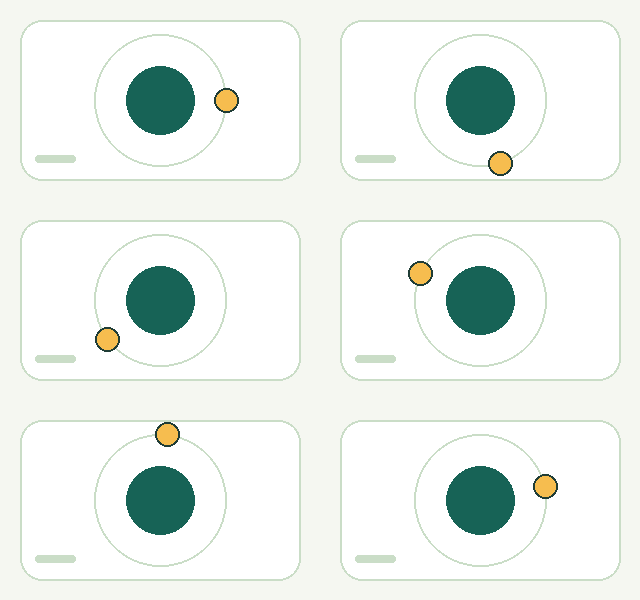
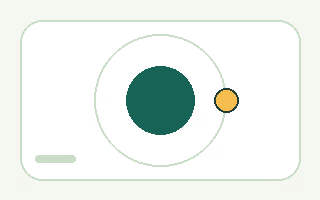
9.3 KB → 36.1 KB 287% larger
Adjustable quality · 80. This output uses lossy compression. For this simple illustration, GIF is smaller; another format may work better for a different image. These sizes describe this example, not a typical result.
Try these files and check the settings
Compare both animations above; they may not start playing at exactly the same time. Animated AVIF needs a compatible browser.
Download the original GIF · Download the AVIF · Exact sizes & settings · Artwork license
Common questions
Should I choose AVIF or WebP for my GIF?
AVIF may make an animation smaller, but can take longer to create and may not play in your app. Try animated WebP as another option, and test the result where you plan to share it.
Does AVIF keep the original quality?
Choose “Keep original quality” for identical visible pixel colors and transparency. The other preferences use lossy compression and may change detail or colors. Lossless files can be larger.
What if my AVIF does not fit the size target?
A target is an aim, not a guarantee. In adjustable mode, we stop at your minimum quality and return the smallest successful result we found. In lossless mode, a target does not reduce quality.
Why does conversion take longer?
AVIF can do more work to store animation compactly. Progress shows which stage and frame is being processed. Large animations may need more memory, and you can cancel.
Are my files uploaded?
No. Conversion happens in your browser on your device. You can compare the GIF and AVIF side by side before downloading. Read the privacy details.